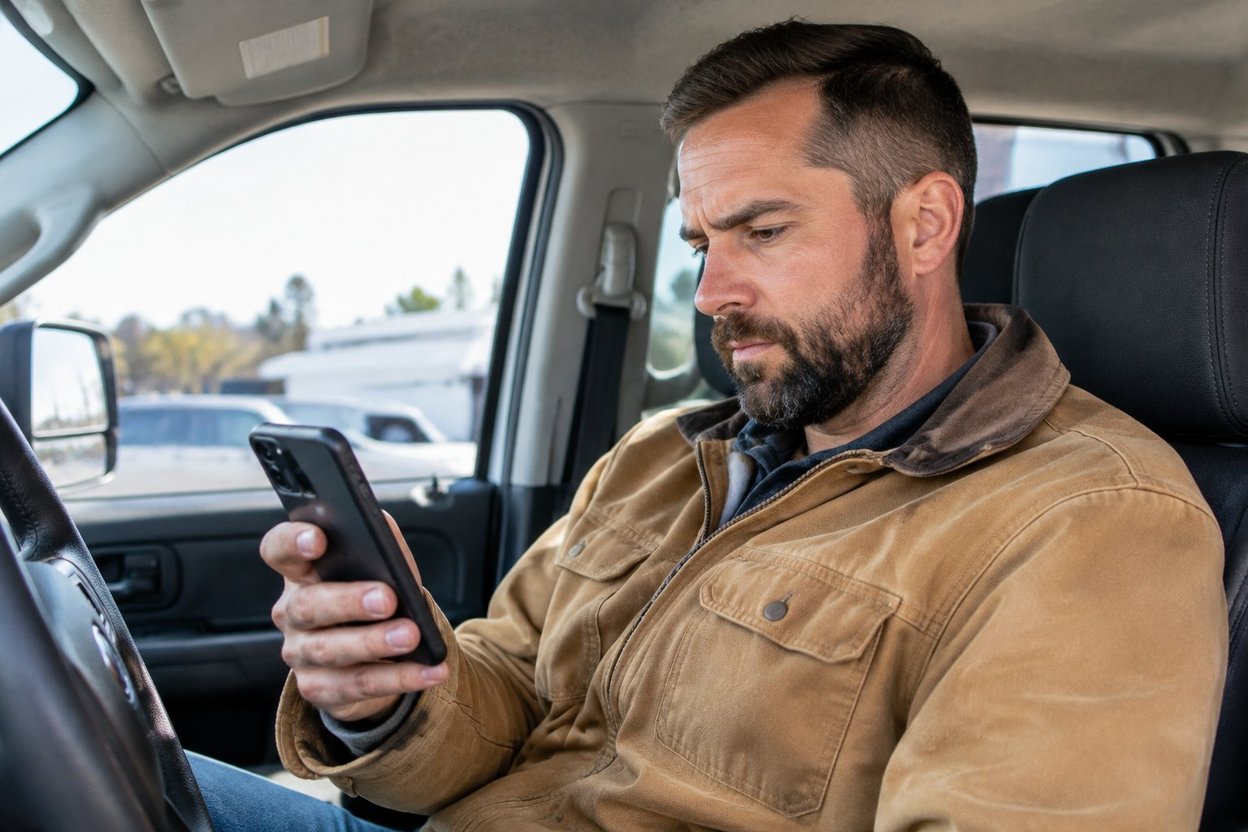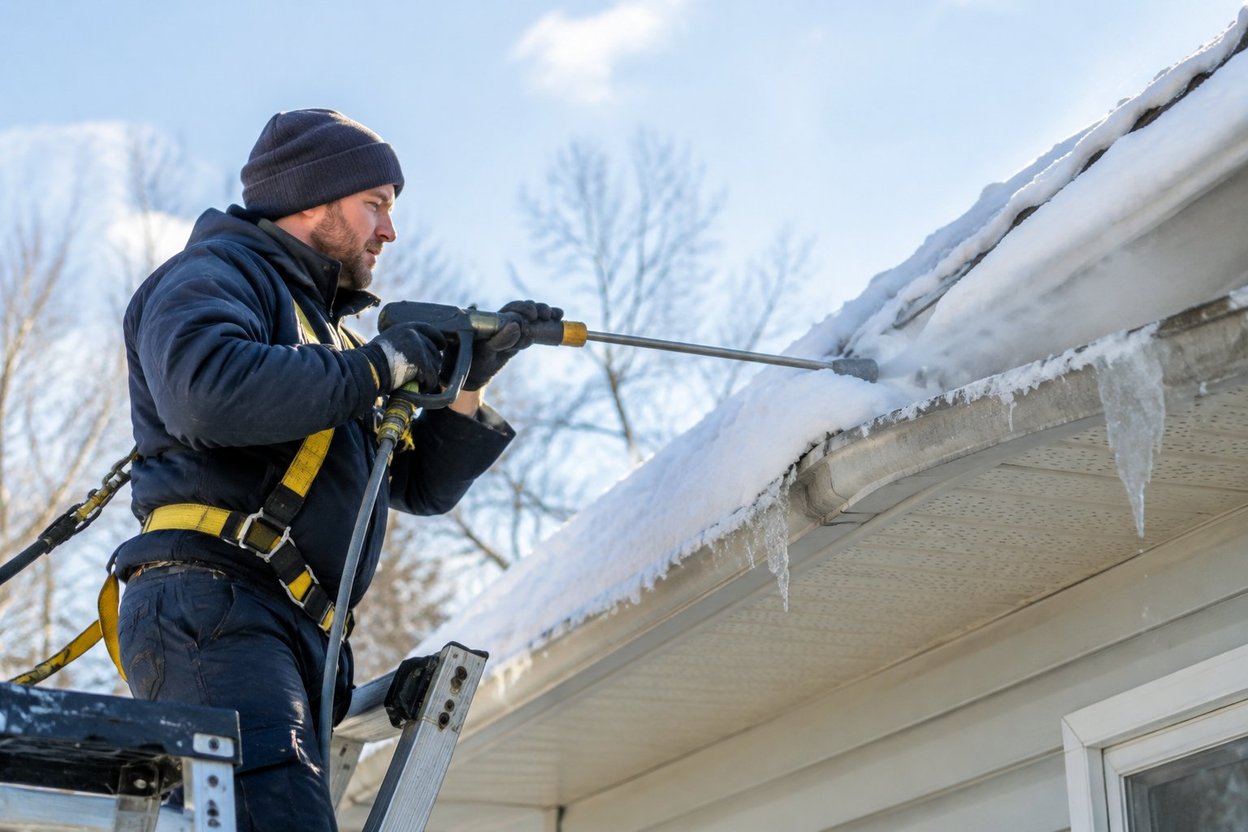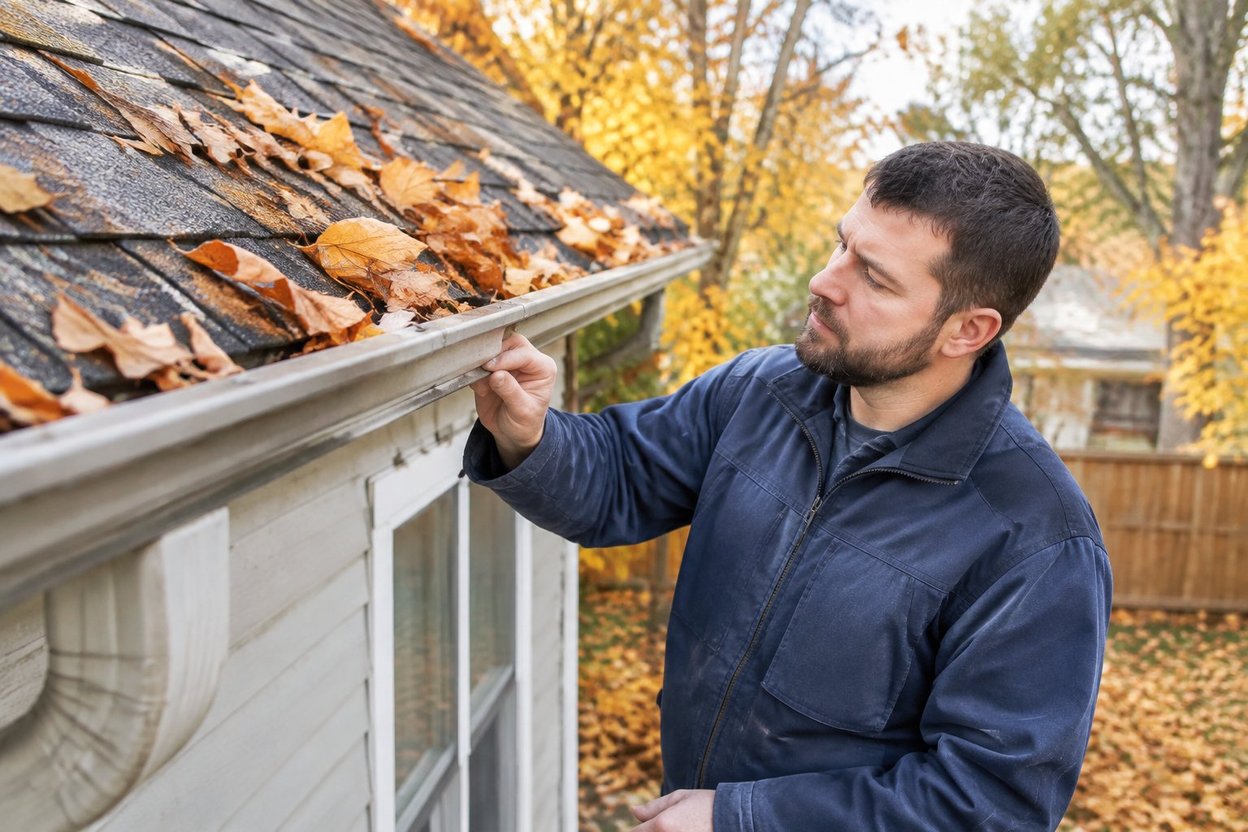
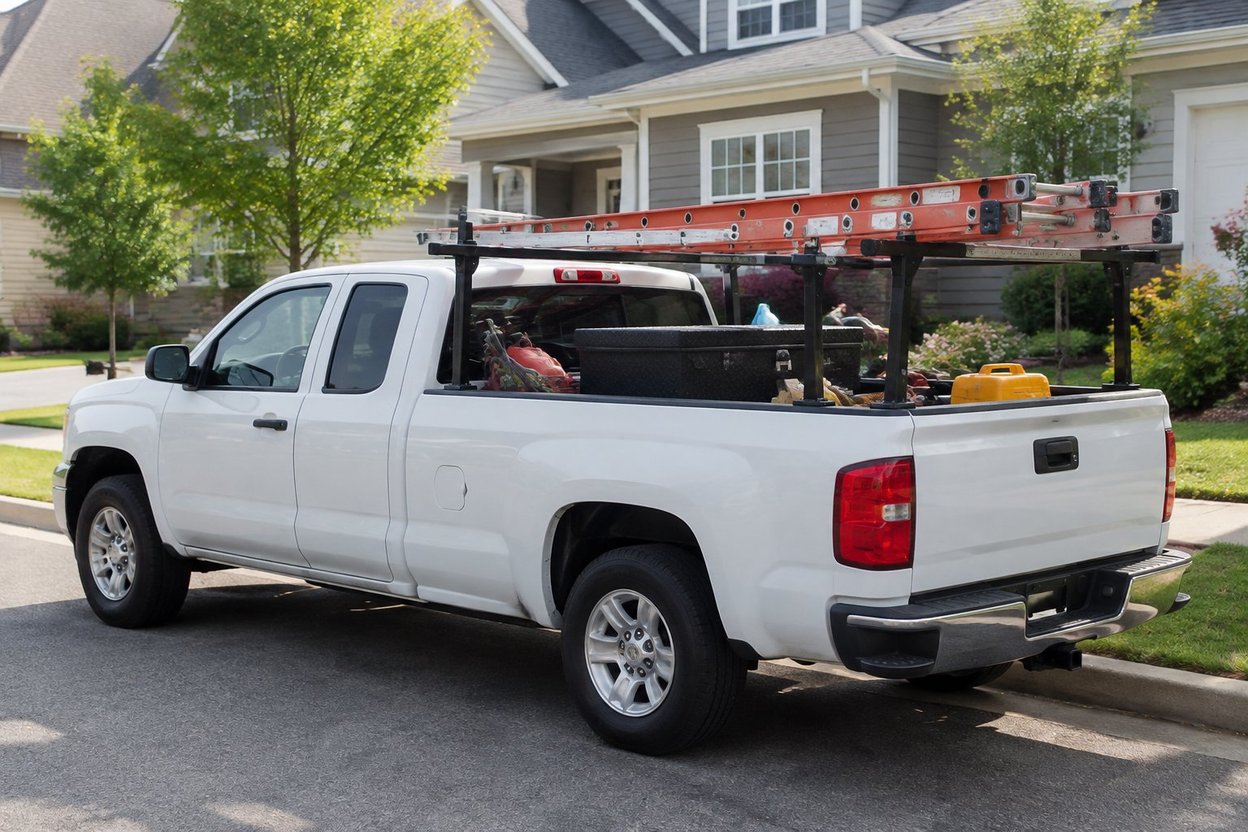

You run the business from your kitchen table, the tools are in the garage, and you'd rather a stranger didn't see your front door on Google Maps. You may have kept your profile off Google entirely because of that. You don't need to. If you go to your customers' houses, Google lets you hide your street address and show the towns you serve instead. Your business can still turn up in Search and Maps. What hiding the address can't do is promise you a spot near the top. Those are two separate things, and this article covers both.
Yes, you can hide it and still be found
Google has a setting for businesses that go to the customer. Once your profile is verified, it can show in Google Search and Maps without your street address on it. Setting up the profile and managing it is free, and you don't have to buy any advertising to get verified.
Showing up and ranking well aren't the same. Being allowed to appear means Google will include you. How high you land depends on other things, covered further down.
Take a handyman who keeps his ladders and saws at home and does every job at the customer's house. Nobody ever comes to his place for service. That's the kind of business the hidden-address setting is built for.
Work out which kind of business you run
Google sorts businesses like ours into two kinds.
- Service-area business. You travel to customers and don't serve them at your address. Google says these businesses should hide the address, and it gives a plumber working from home as an example. Most handymen, siding crews, flooring installers, cleaners and remodelers fit here.
- Hybrid business. You go to customers, and customers also come to you. Google's rules for a customer-facing location are strict. It needs permanent signage, and it has to be staffed by your business and open to customers during the hours you list. A home office with no sign, where nobody greets walk-ins, doesn't count.
Some people try a shortcut here: rent a mailbox or a "virtual office" and use that as the business address so the home address never comes up. Google doesn't allow it. P.O. boxes and remote mailboxes can't be used as business locations, and a rented mailing address where you don't actually operate counts as an ineligible virtual office. Using one can cost you the profile.
These are Google's rules for listing on Google. They don't replace your state's business registration rules, which are separate.
Hide the address and choose your actual service towns
Once you know you're a service-area business, the settings take a few minutes.
To hide the address:
- Open your Business Profile.
- Select Edit profile, then Location, then Business location, then Edit.
- Turn off Show business address to customers.
- Save.
To set your service area:
- Select Edit profile, then Location, then Service area, then Edit.
- Add the cities or ZIP codes you actually work in.
- Save.
Some things to know before you start typing towns:
- The limit is 20 areas. Pick where you really take jobs, not every town you'd drive to for a big enough ticket.
- You pick cities or postal codes, not a radius. You can't draw a circle around your house.
- Keep it within driving range. Google generally recommends keeping the overall boundary within about two hours' driving time of your base.
Hiding the address only changes what the public sees. It doesn't change what Google needs from you. The public profile shows your service area, but Google's verification instructions still call for an identifiable business location behind the scenes. Google still knows where you are. Your customers just don't see it.
After you save, check your work. Open a private (incognito) browser window, which Google itself recommends, search for your business, and look at your profile the way a stranger would. If your street address still shows, go back and redo the steps.
Be ready to prove that the business is real
Verification is how Google confirms you're a real business at a real place. You don't get to choose how it happens. Google decides which methods to offer you. Changing your business information can also set off a new verification request, so editing your address or service area might mean doing it again.
Video verification is common. For service-area businesses, Google wants three things in the video: where you are, real business equipment or work, and proof that you run the business. Google's own examples include neighborhood signs, professional tools, unlocking a branded van, and business documents that match the business name.
Plan the shots before you hit record:
- Location. Start outside with something that marks the area, like a street sign or a recognizable local landmark.
- Tools. Walk to your truck, trailer or shop area and show the equipment you actually work with.
- Control. Unlock the van or toolbox, or show a business document with your business name on it.
The video has to be one continuous recording with no edits, made and uploaded through the Business Profile on your phone. Stopping and starting doesn't work, and neither does editing clips together. Do a practice walk-through first.
Protect your privacy while you film. Google says to keep bank, tax and ID numbers out of the shot, along with other private information and other people's faces. If you're showing a document, cover those numbers before you start. Film when the neighbors and your kids are out of frame.
Even if you do everything right, Google doesn't promise approval or tell you how long it will take.
What hiding the address means for local rankings
Here's what Google says it uses to rank local results:
- Relevance. How well your profile matches what the person searched for. Someone searching "siding repair" needs to see that you do siding repair.
- Distance. How far your business is from the searcher or the place they named.
- Prominence. How well known and trusted you are. Google says complete information and more reviews with positive ratings can help.
Where it gets murky is whether hiding the address hurts your ranking. Google's published ranking guide doesn't answer that. People who study local search for a living don't agree:
- Sterling Sky reported that hiding an address reduced rankings and calls in its tests.
- Whitespark argues that hiding the address has no ranking effect on its own. It says some apparent losses come from an earlier verification location, an old address Google still connects to the profile.
Whitespark has also published a relocation case study, and a separate practitioner reported in Search Engine Land. Both describe hidden-address profiles that kept ranking around the old location. So if you've moved and your visibility shifted, check whether Google is still tying you to the old address.
My honest read is that nobody can promise your rankings will stay the same, and nobody can promise they'll drop. Listing 20 towns doesn't guarantee you'll rank in all 20, either. Whitespark says the service-area list itself doesn't decide rankings. It mostly tells customers where you work.
The things you control are the ones Google says count:
- Accurate, complete information. That means the right services, hours and phone number.
- Real reviews from real customers. Ask while the job is fresh, before the Thanksgiving rush buries everyone.
- Useful job photos. Show actual work you did: the deck you rebuilt, the floor you laid.
None of that guarantees a set number of calls. It just gives Google honest, useful reasons to show you.
Check your privacy and keep the owner in charge
The switch only hides your address on your Google Business Profile. It doesn't remove your address from anywhere else it's already published.
State business filings are one example. Colorado's LLC filing checklist warns that certain filer and organizer addresses will be publicly viewable. That's one state's rule for one kind of filing. Your state may handle it differently, so check with your own state's filing office about what goes on the public record.
Here's the routine I'd suggest. That's my recommendation, not a measured promise. Set aside fifteen to thirty minutes, three evenings a week, until this is done:
- First evening: decide whether you're service-area or hybrid, hide the address, and pick your real towns.
- Second evening: plan and rehearse the verification video.
- Third evening: check the profile in a private window, then add a few job photos.
An AI helper like ChatGPT can do some of the desk work. It can draft your service description or write you a filming checklist. Read every word before you use it, and make every account change yourself. AI is a terrible master, but a great servant. You're the boss, and the profile is yours.
Sources (15)
- Google: Service-area business overview
- Google: Add or edit your business address
- Google: Community answer on hiding the address
- Google: Tips to improve your local ranking
- Google: Getting started with Business Profile
- Google: Claim your Business Profile
- Google: Guidelines for representing your business
- Google: Manage your service area
- Google: Verification methods
- Google: Video verification requirements
- Sterling Sky: Hiding address and Google Business rankings
- Whitespark: Should service-area businesses show or hide their address?
- Whitespark: Can you hide your GBP address without losing local rankings?
- Search Engine Land: Google Business Profile address changes and local rankings
- Colorado Secretary of State: LLC filing checklist